How to Draw the Nike Logo: 3D Style Step-by-Step Guide
Ready to bring a classic brand icon to life? This tutorial is perfect for young artists ages 7+ looking to practice 3D lettering and perspective. Grab a pencil, an eraser, and a ruler to help keep those lines crisp as we build this iconic design from the ground up.
🎯 Final Result
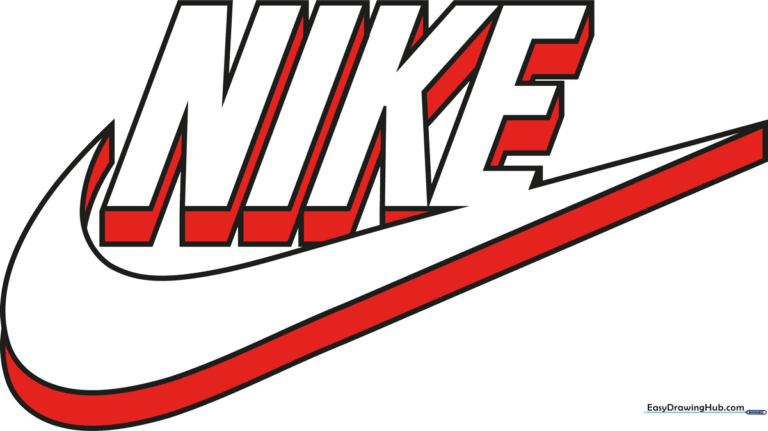
Step-by-Step Instructions
Step 1: Sketching the Letter N
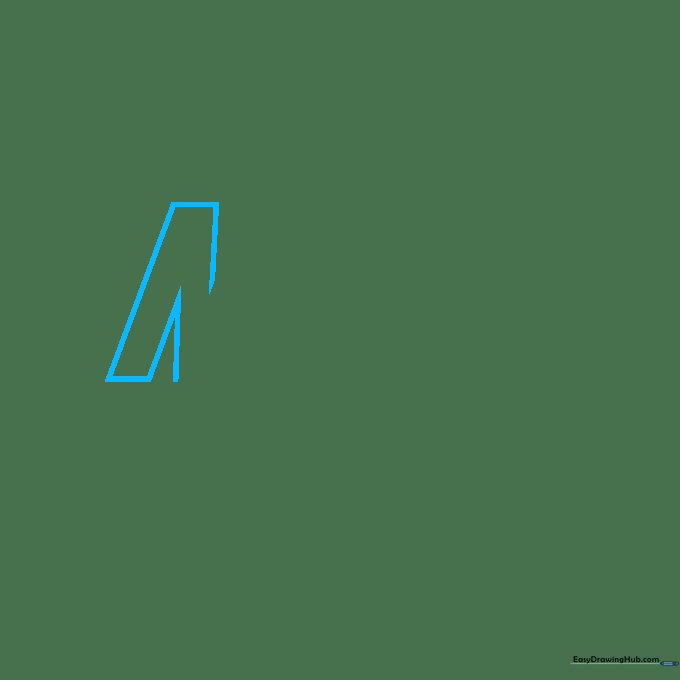
Start by sketching the outline of the letter 'N'. Use straight, light lines to form the two upright bars and the diagonal connector. Tip: Keep your pencil pressure light so you can easily adjust the angles if they look a bit off.
Step 2: Adding the Letter I
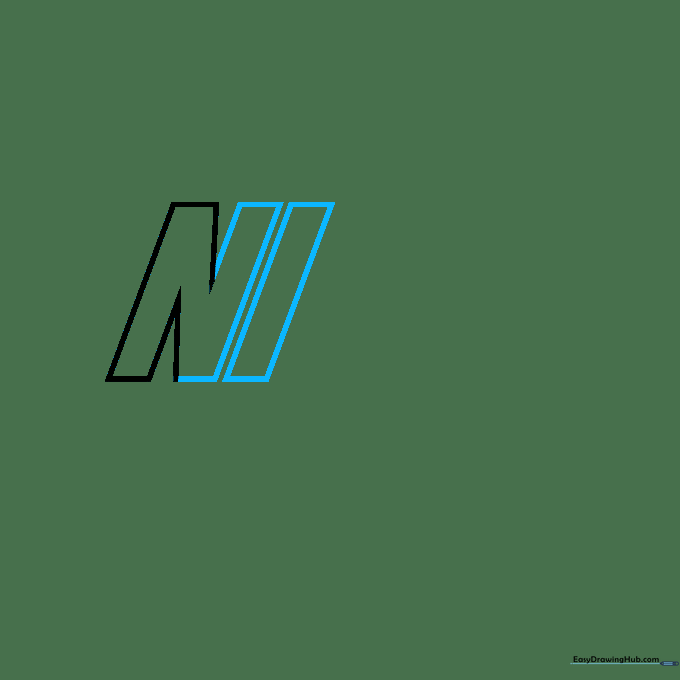
Draw the second upright bar of the 'N' to close the shape, then sketch a tall, thin parallelogram next to it to form the letter 'I'. Tip: Ensure the 'I' is the same height as your 'N' to keep the logo balanced.
Step 3: Forming the Letter K
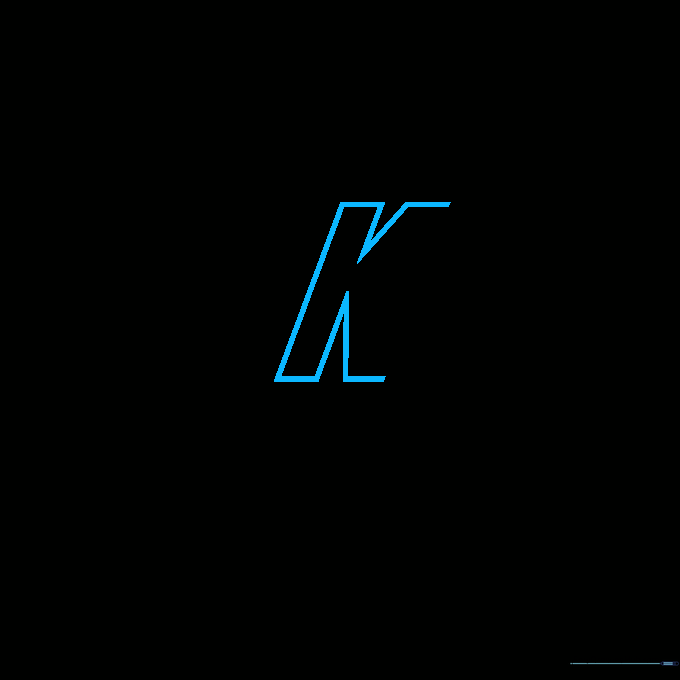
Now, sketch the upright portion of the 'K' followed by the two diagonal arms. Tip: Think of the 'K' as a series of connected rectangles; keep your lines straight to maintain the brand's bold aesthetic.
Step 4: Starting the Letter E
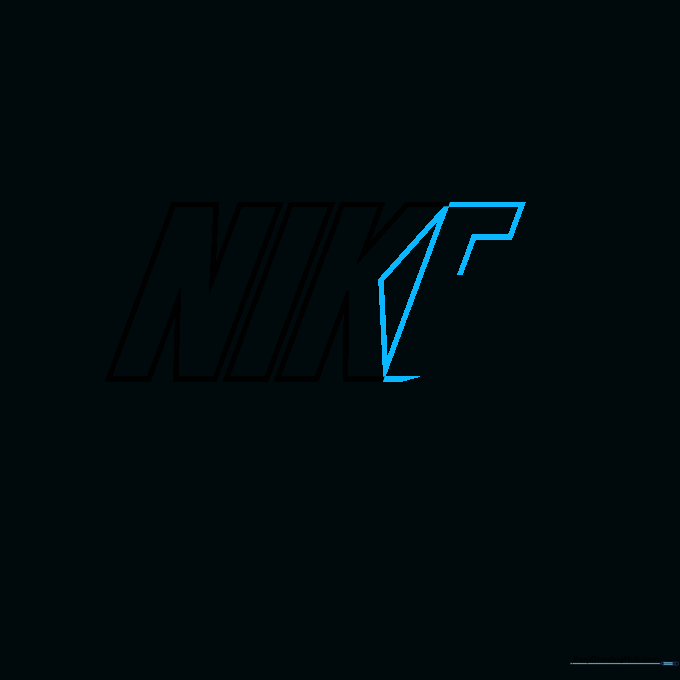
Draw an obtuse triangle to finish the 'K' and begin the back spine of the 'E'. Add the top, middle, and bottom horizontal bars. Tip: Use your ruler here to ensure the horizontal bars are perfectly parallel.
Step 5: Connecting the Swoosh
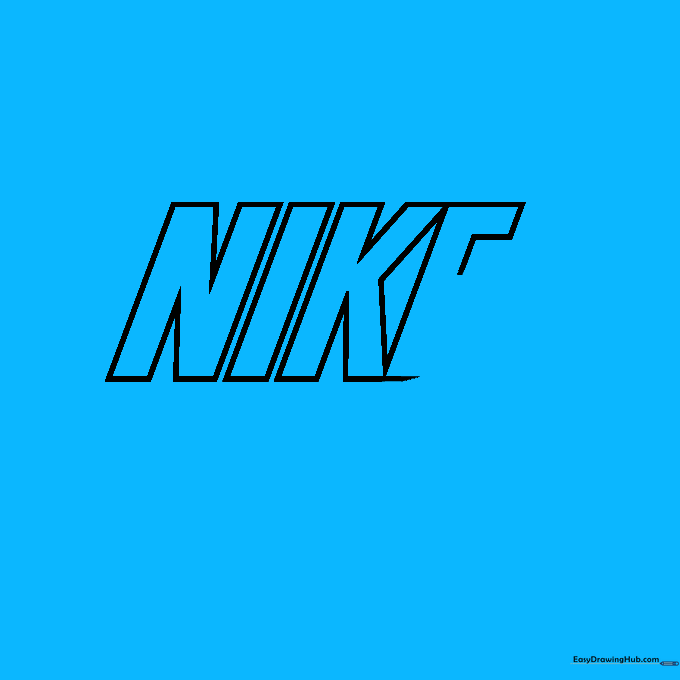
Complete the 'E', but leave the bottom arm open. Extend two curved lines from this opening to begin the iconic Swoosh shape. Tip: The curve should look like a gentle wave—don't make it too sharp!
Step 6: Closing the Swoosh and Adding Depth
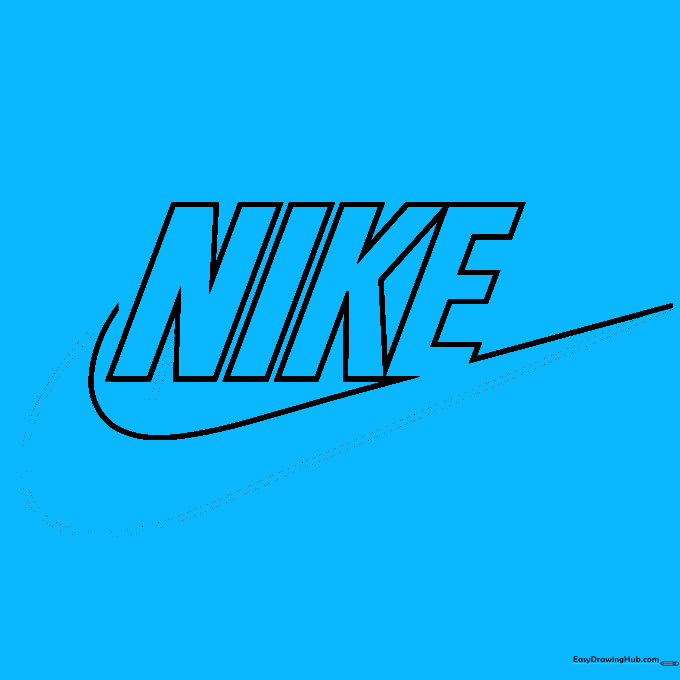
Enclose the Swoosh with a long, sweeping curve. Then, start adding 3D depth by drawing short, parallel lines behind the 'N'. Tip: These small lines create the illusion that the letters are popping off the page.
Step 7: Building 3D Sides
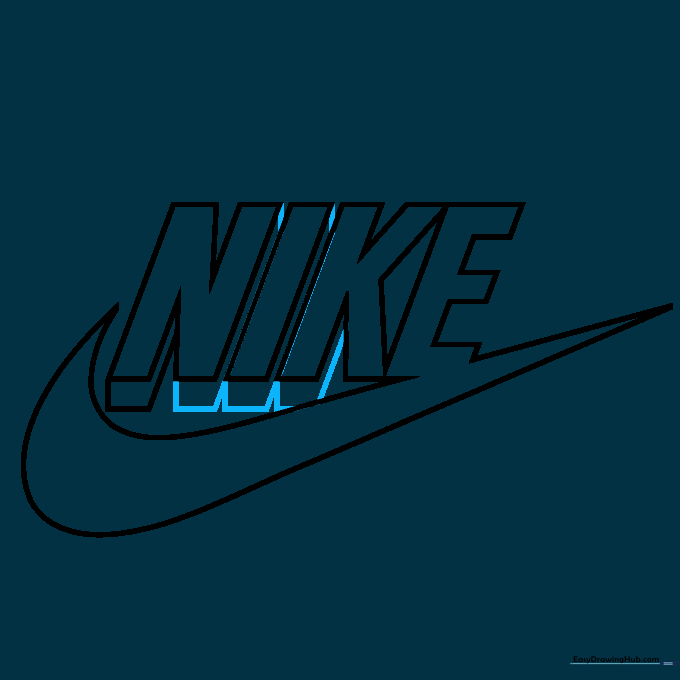
Add trapezoid shapes to the sides of the 'N', 'I', and 'K' to give them thickness. Connect them with short diagonal lines. Tip: Imagine a light source coming from the top right; keep your 3D shadows consistent on the left side.
Step 8: Refining the 3D Effect
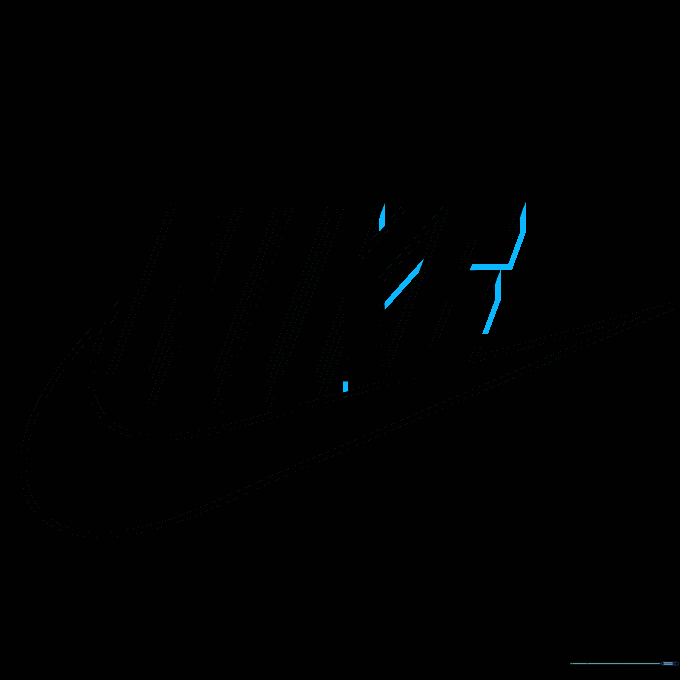
Continue adding parallel lines to the sides of the 'K' and 'E' to complete the blocky, 3D look. Tip: Take your time here; slow, steady strokes prevent messy lines.
Step 9: Finalizing the Outline
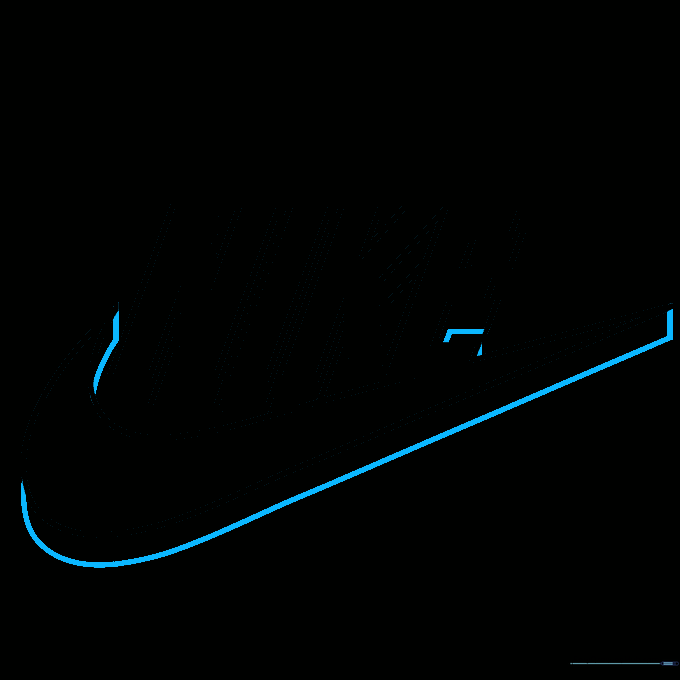
Finish the 3D arm of the 'E' and add curved details to the Swoosh to give it a sleek, finished appearance. Tip: Use a fine-liner pen to trace your final pencil lines before erasing the guide marks.
Step 10: Adding Color
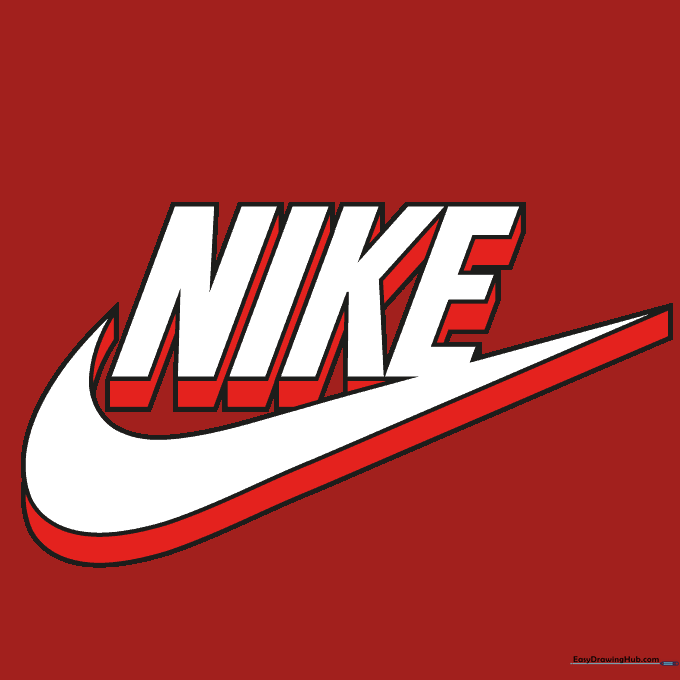
Time to color! We used red for the 3D sides to make the logo pop, but feel free to use your favorite colors. Tip: Use a darker shade for the 3D sides to create a realistic shadow effect.
More Tutorials