10 Free Pixel Art Coloring Pages: Easy Retro Fun for Kids
🖍️ 10 free sheets
Bring the charm of 8-bit gaming to your art table with these 10 printable pixel art coloring pages. Designed for ages 5 and up, these sheets help children practice precision and color coordination. Simply print, grab your favorite markers or crayons, and start coloring your own digital-inspired masterpieces.
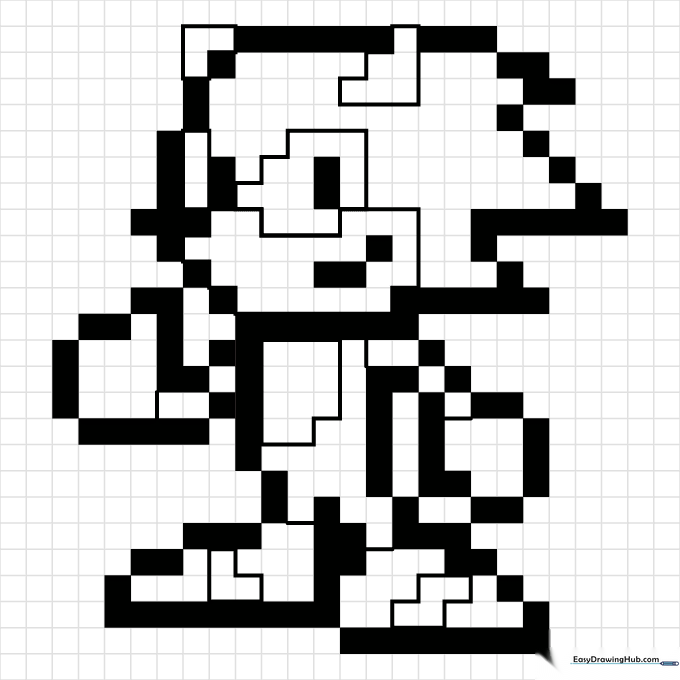
Sonic the Hedgehog Pixel Art
Capture the speed of the blue blur. Use a vibrant blue for his fur and a crisp red for his iconic sneakers. Teacher's Tip: Use a fine-tip marker to keep your colors inside the small pixel squares for a clean, digital look.
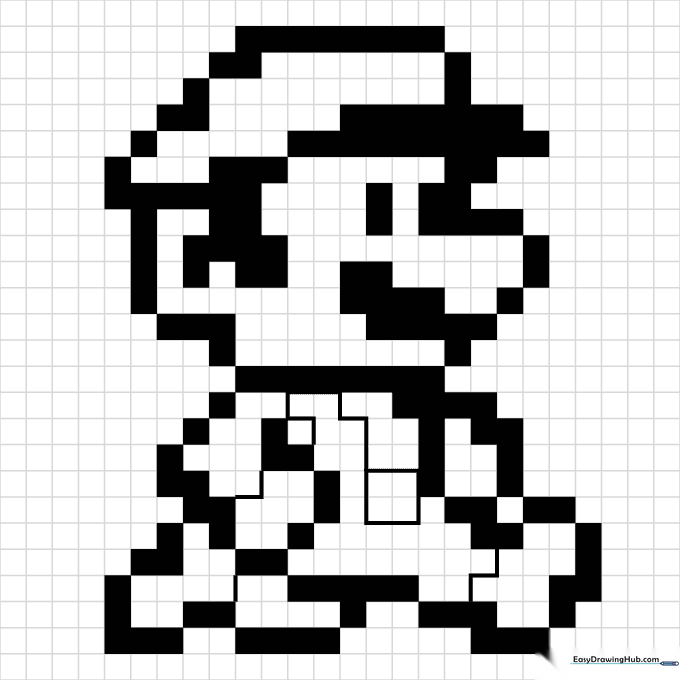
Mario Pixel Art
The ultimate gaming icon! Focus on the contrast between his red hat and blue overalls. Teacher's Tip: When coloring small squares, try using a light touch to avoid bleeding outside the grid lines.
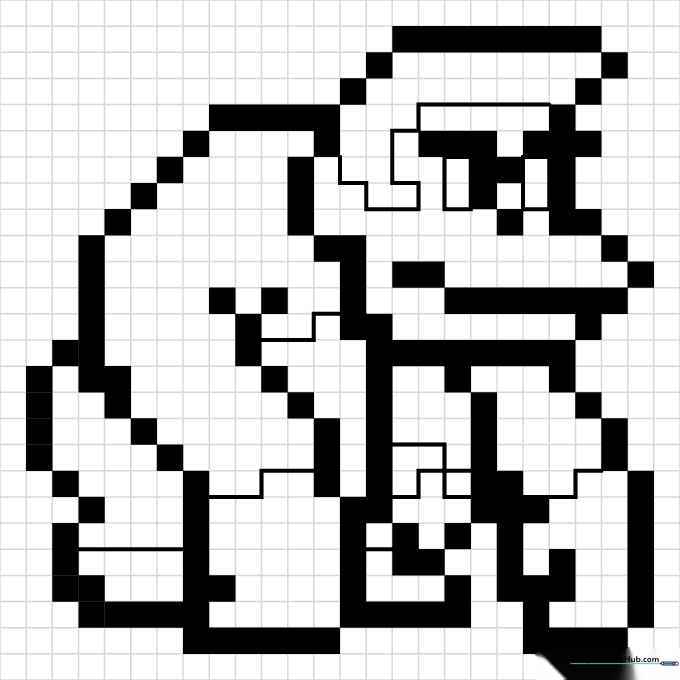
Donkey Kong Pixel Art
Bring this classic jungle giant to life. Use warm browns and a bright yellow for his scarf. Teacher's Tip: Use a darker brown for the shaded areas to give the character a sense of 3D volume.
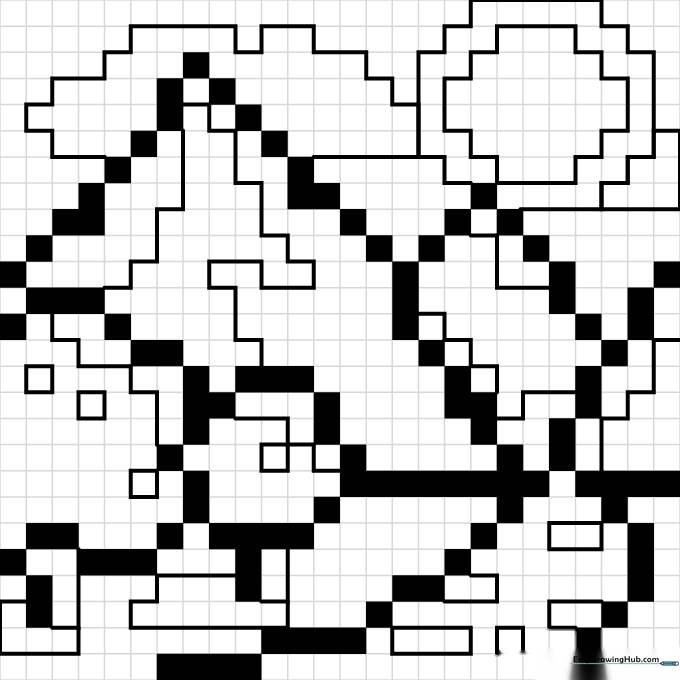
Mountain Landscape Pixel Art
Explore the world-building side of pixel art. This landscape features mountains and meadows. Teacher's Tip: Use different shades of green to create a sense of depth in the grassy fields.
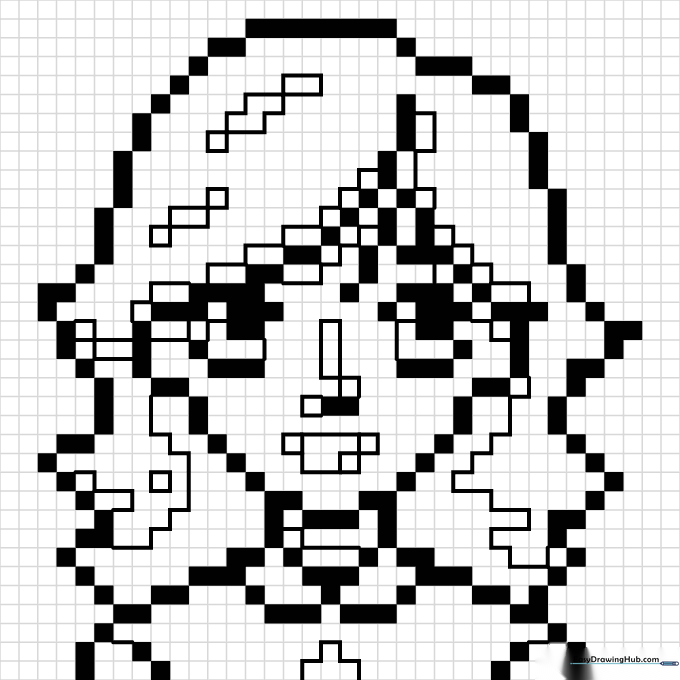
Girl Character Pixel Art
Customize your own retro heroine. This sheet is a blank canvas for your imagination. Teacher's Tip: Experiment with bright, bold colors for the hair to make your character stand out.
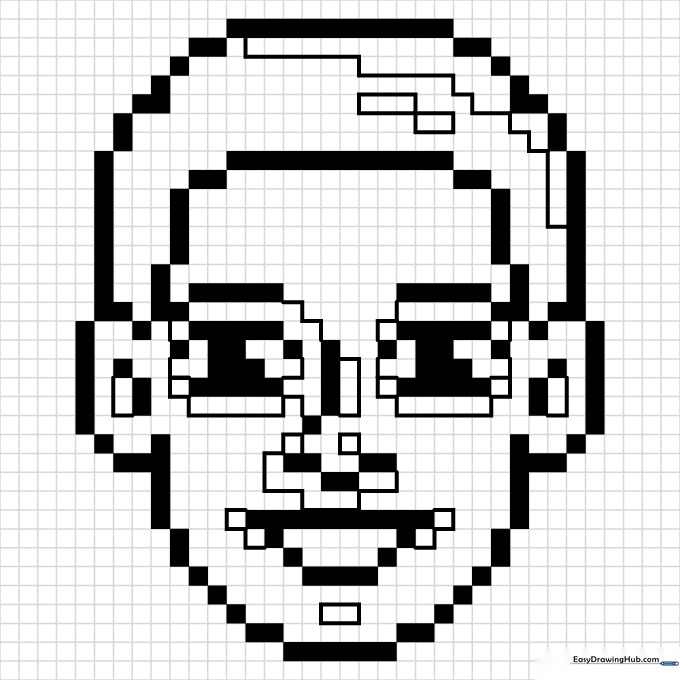
Face Character Pixel Art
Focus on portraiture with this simple pixel face. Perfect for practicing color placement. Teacher's Tip: Use a neutral color for the skin and save your brightest colors for the eyes and hair.
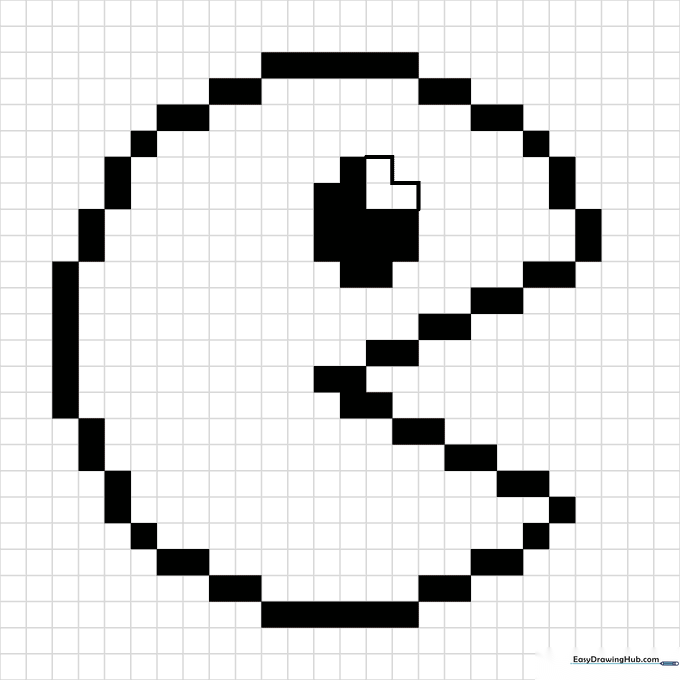
Pacman Pixel Art
The classic yellow chomper! This is the perfect starting point for beginners. Teacher's Tip: Color the background black to make the yellow of the character really pop off the page.
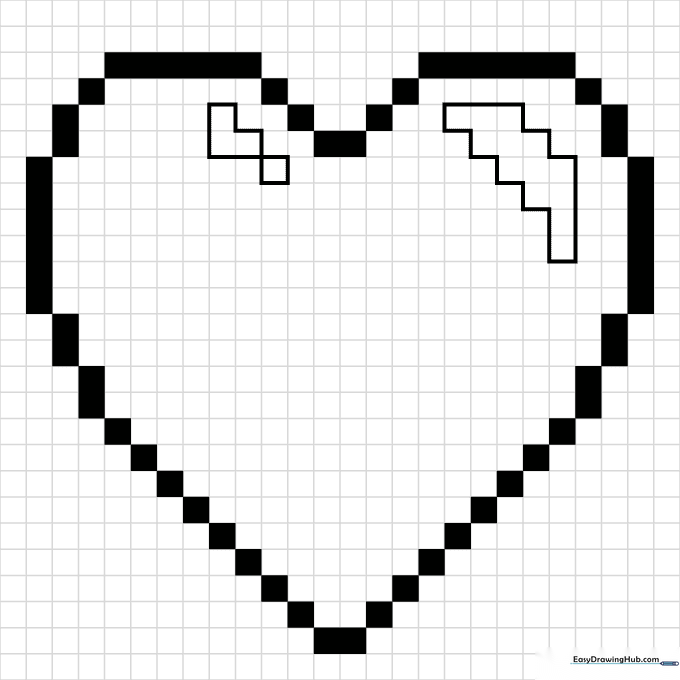
Heart Pixel Art
A symbol of extra lives and health. Use a vibrant red to fill in the heart shape. Teacher's Tip: Leave a few white pixels near the top corner to create a 'shine' effect, making it look like a glossy game item.
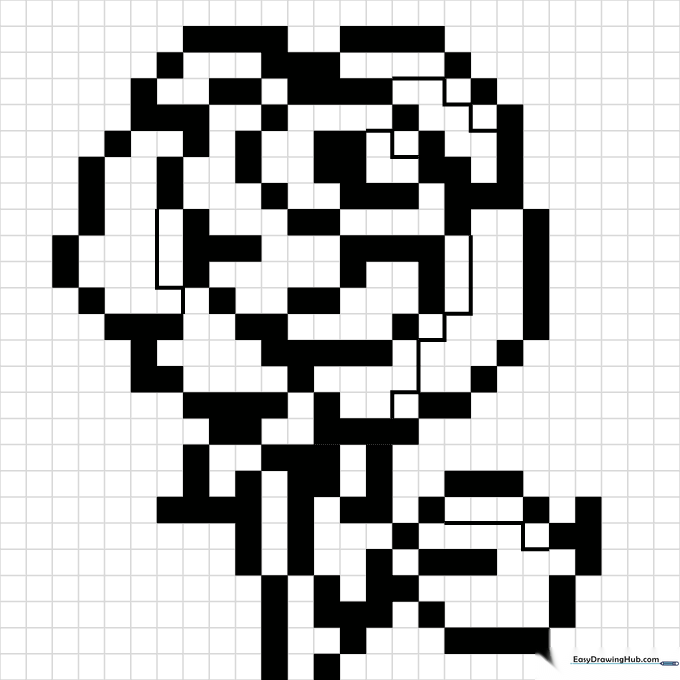
Rose Pixel Art
Add some nature to your digital world. Use two shades of red to give the rose petals texture. Teacher's Tip: Use a bright green for the stem to create a high-contrast look against the red petals.
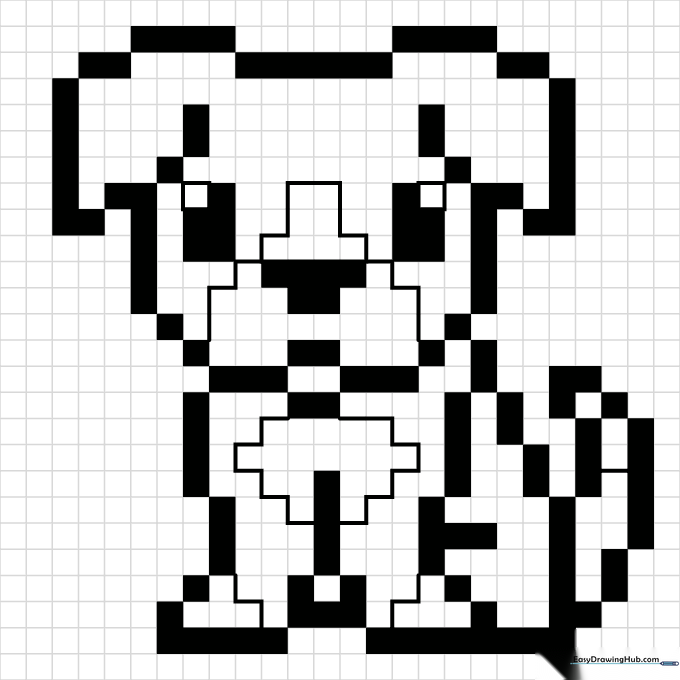
Dog Pixel Art
Every hero needs a loyal companion. Use warm browns and tans to give your pixel dog a friendly look. Teacher's Tip: Use a black marker for the nose and eyes to make them stand out clearly.
More Collections