easydrawinghub
  • Home
  • Coloring
  • Tutorials
  • Categories
  • Home
  • Coloring
  • Tutorials
  • Categories
Home › Tutorials ›

How to Draw the Flash Logo: Easy 10-Step Guide

Ready to channel your inner speedster? This tutorial is perfect for artists ages 5 and up who want to draw the classic Flash emblem. All you need is a pencil, an eraser, and a piece of paper to get started. Follow these steps to build confidence in your linework and create a bold, heroic design.

10 Steps

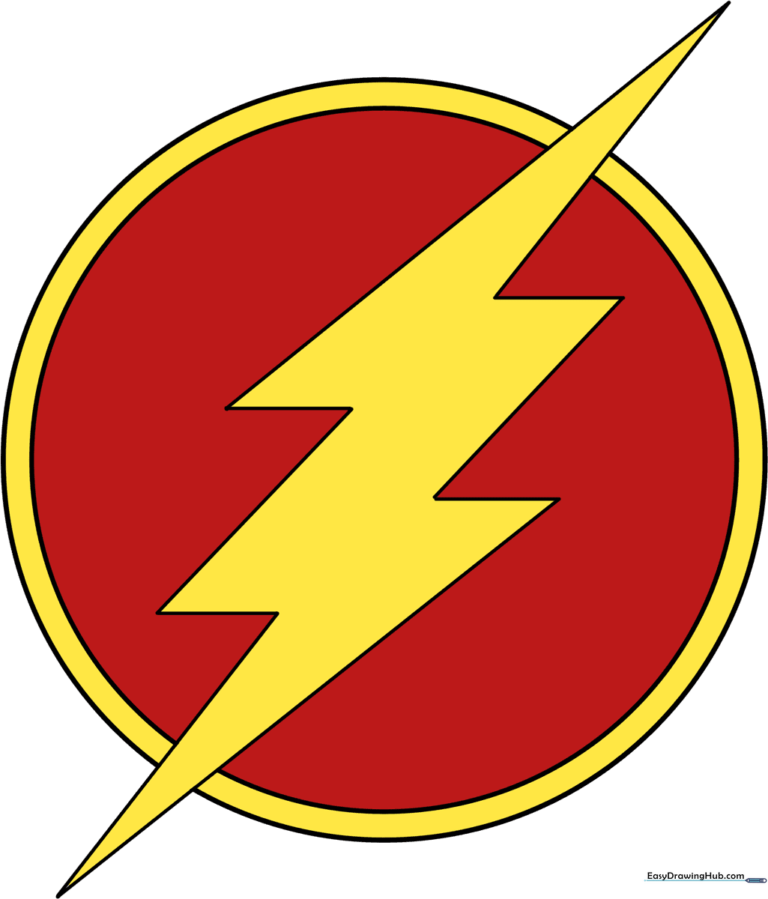
🎯 Final Result

A high-quality, vibrant illustration of the Flash logo, showcasing the final colored design.
cartoon character easy logo movies superhero +2

Step-by-Step Instructions

1

Step 1: Sketching the Base Circle

A light pencil sketch of a circle on white paper, serving as the initial guide for the Flash logo.

Draw a light circle to serve as the foundation for your emblem. Teacher's Tip: Keep your pencil strokes very faint so you can easily erase them later—this is just a guide for your final shape!

2

Step 2: Defining the Inner Border

A second, smaller circle drawn inside the first to create a ring shape for the logo border.

Draw a second, slightly smaller circle inside the first. This creates the border for the logo's golden edge. Tip: Try to keep the gap between the two circles consistent all the way around.

3

Step 3: Starting the Lightning Bolt

Two intersecting straight lines forming the sharp, pointed tip of a lightning bolt extending from the circle.

Draw a long, straight line that starts inside the circle and extends outward. Add a second, shorter line that meets the first to form a sharp, triangular point. Tip: Use a ruler if you want your bolt to look extra sharp and precise!

4

Step 4: Adding Horizontal Segments

Two short horizontal lines extending from the base of the lightning bolt shape.

From the base of your two lines, extend short horizontal lines to the right. These will form the 'shoulders' of the lightning bolt. Tip: Keep these lines parallel to each other to maintain the bolt's symmetry.

5

Step 5: Drawing the First Diagonal

A diagonal line added to the lightning bolt structure to create the characteristic jagged look.

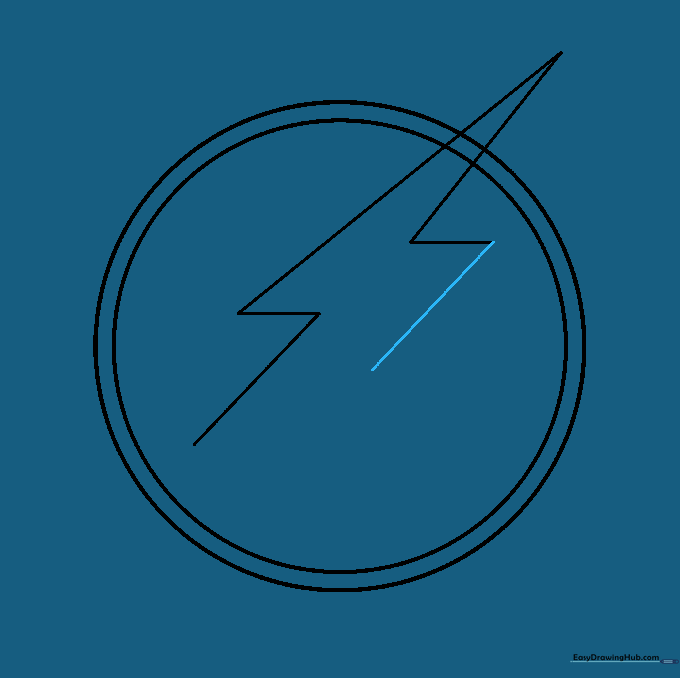
Extend a straight diagonal line from one of your horizontal segments. This begins the jagged path of the bolt. Tip: Don't worry if it looks a bit odd right now; the shape will come together as you add more segments.

6

Step 6: Drawing the Second Diagonal

A second diagonal line added to the lightning bolt, mirroring the first for symmetry.

Extend a matching diagonal line from the other horizontal segment. Tip: Try to make the angle of this line match the first one to keep the bolt looking balanced.

7

Step 7: Adding More Horizontal Detail

Two short horizontal lines added to the ends of the diagonal segments of the lightning bolt.

Extend short, straight horizontal lines to the right from the ends of your diagonal lines. Tip: These small segments are key to giving the bolt its iconic 'stepped' appearance.

8

Step 8: Extending the Bolt

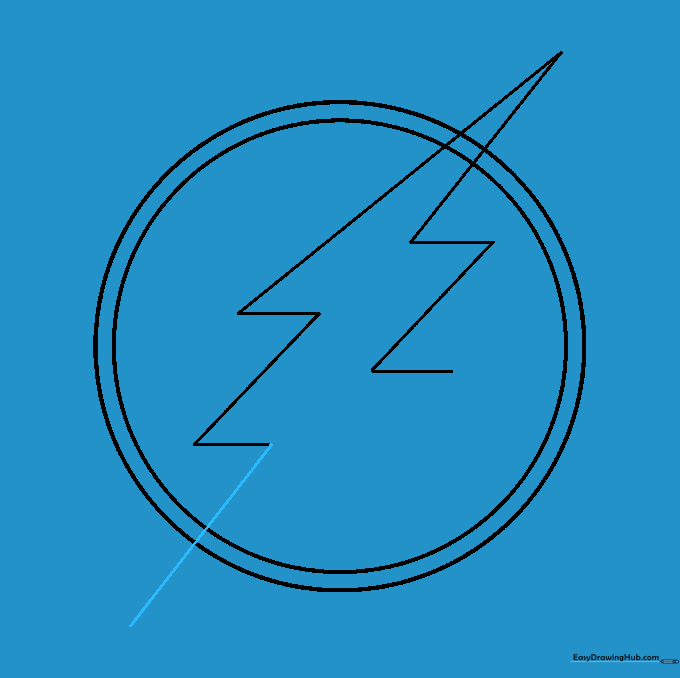
A long diagonal line extending from the bolt structure, reaching outside the circular border.

Draw a long, straight diagonal line from one of the horizontal segments, extending it outside the circle. This creates the tail of the bolt. Tip: Make sure this line is long enough to give the logo a sense of speed and movement.

9

Step 9: Finalizing the Outline

The completed outline of the lightning bolt with internal guide lines erased for a clean look.

Close the lightning bolt shape by connecting the remaining lines. Once finished, use your eraser to remove the guide lines from inside the bolt. Tip: Use a soft eraser to avoid smudging your hard work!

10

Step 10: Coloring Your Masterpiece

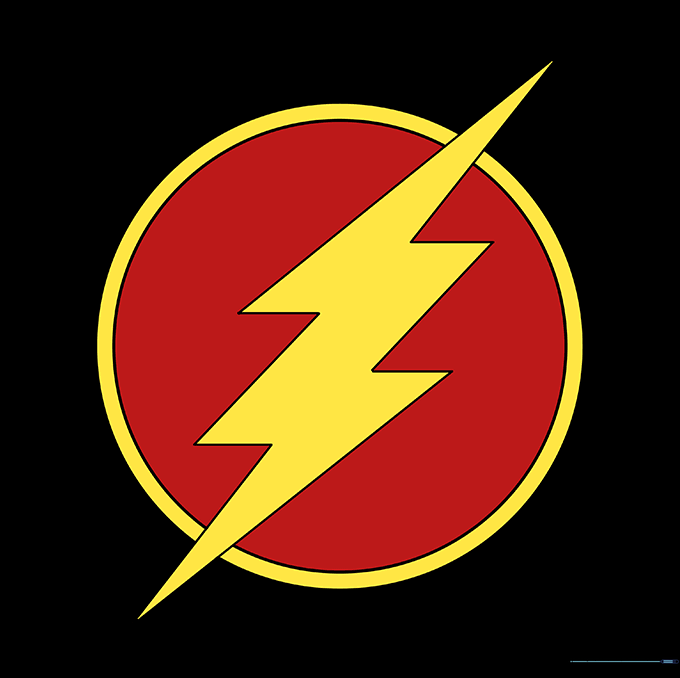
The finished Flash logo colored in traditional red and yellow, showing the final vibrant result.

Bring your logo to life! Use bright red for the inner circle and a vibrant yellow or gold for the lightning bolt and outer ring. Tip: Try using markers for a bold, comic-book look, or colored pencils for a softer, textured finish.

More Tutorials

A colorful, finished drawing of Zuma from PAW Patrol ready for a rescue mission.

How to Draw Zuma from Paw Patrol: Easy 10-Step Guide

Finished colored portrait of Roronoa Zoro from One Piece, showcasing his iconic green hair and serious expression.

How to Draw Zoro from One Piece: Easy 10-Step Guide

Completed, colorful drawing of Zizi from The Monsters Labubu

How to Draw Zizi from The Monsters Labubu: Easy 10-Step Guide

🎨 Browse All Drawing Tutorials

🔍 Search Drawing Ideas

⭐ Popular Tutorials

  • A colorful, finished drawing of Zuma from PAW Patrol ready for a rescue mission. How to Draw Zuma from Paw Patrol: Easy 10-Step Guide
  • Finished colored portrait of Roronoa Zoro from One Piece, showcasing his iconic green hair and serious expression. How to Draw Zoro from One Piece: Easy 10-Step Guide
  • Completed, colorful drawing of Zizi from The Monsters Labubu How to Draw Zizi from The Monsters Labubu: Easy 10-Step Guide
  • Colorful illustration of Zeus holding a lightning bolt on a cloud. How to Draw Zeus: Easy 10-Step Cartoon Guide
  • A completed, colorful illustration of Zero from The Nightmare Before Christmas, showcasing his pumpkin nose and ghostly form. How to Draw Zero from The Nightmare Before Christmas: Easy Guide
See All Tutorials

🎨 Explore Categories

easy 4603 cartoon 4243 man-made 1908 animal 1626 people 1357 character 1221 cute 994 intermediate 987 mammal 867 movies 746
Browse All Categories
easydrawinghub

Learn to draw, create amazing artwork, and share your creativity with the world.

Quick Links

  • Home
  • Coloring Pages
  • Tutorials
  • Categories

Connect With Us

Have fun creating! Share your artwork with our community.

© 2026 Easy Drawing Hub. All rights reserved.